SwipeAce
Study better
in minutes.
Upload your notes, PDFs, or links and let SwipeAce instantly turn them into flashcards and quizzes — Get ready to ace your exams in no time.


Why SwipeAce
Built for how students
actually study
No more manual card creation. No more passive rereading. Just focused, efficient study that sticks.
Swipe to study. Not to scroll.
Your phone is already in your hand. SwipeAce turns that habit into something useful — a 5-minute study session fits anywhere a TikTok binge used to.
Drop anything. Get flashcards instantly.
PDF, photo, link, or raw text — paste it in and SwipeAce's AI builds a full study deck in under 30 seconds. No copy-pasting, no formatting, no effort.
Quiz yourself, not just flip cards.
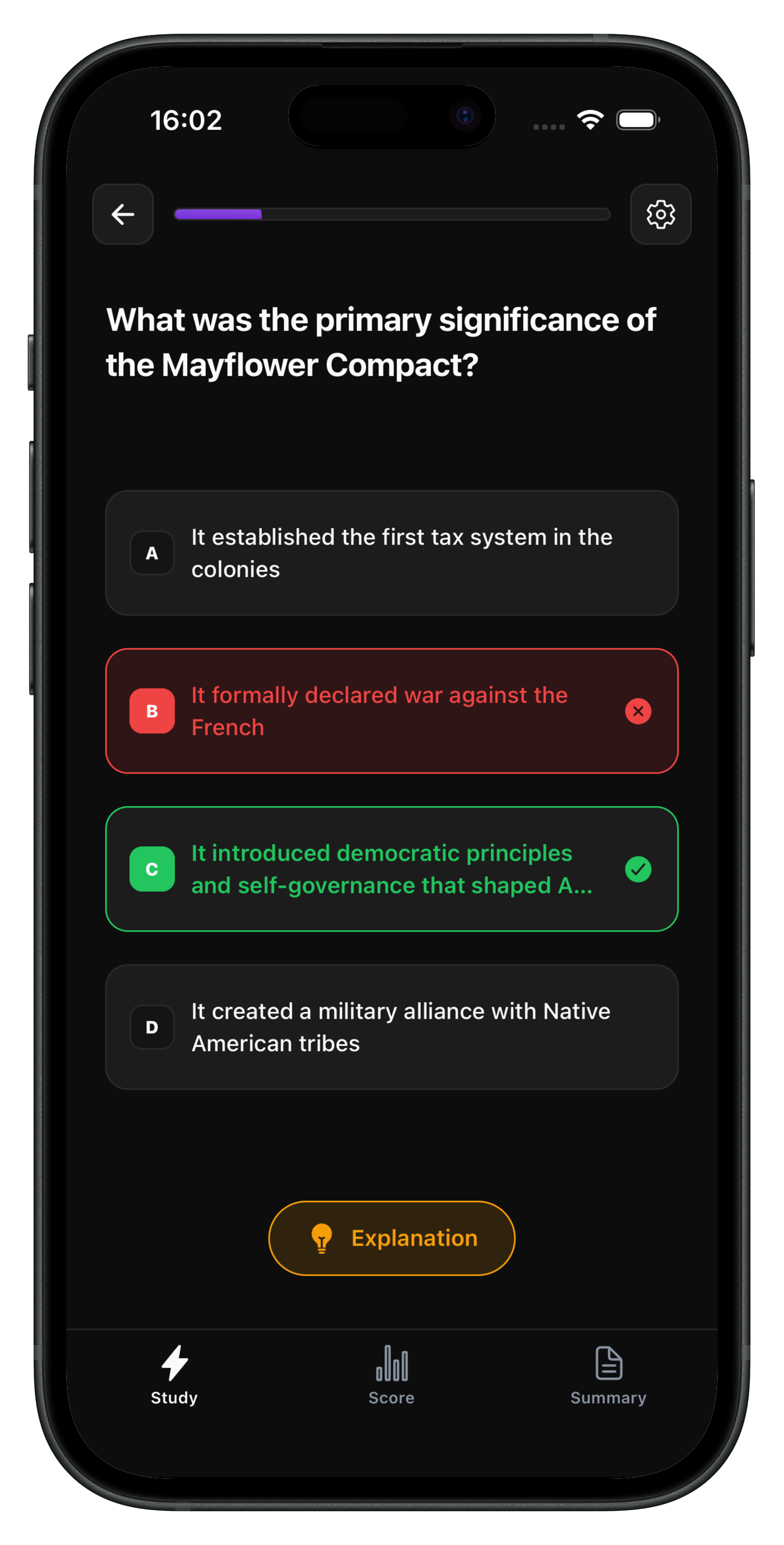
Switch between flashcards, multiple-choice, and fill-in-the-blank — all from the same deck. The right format for the right moment.
See your progress, stay on a streak.
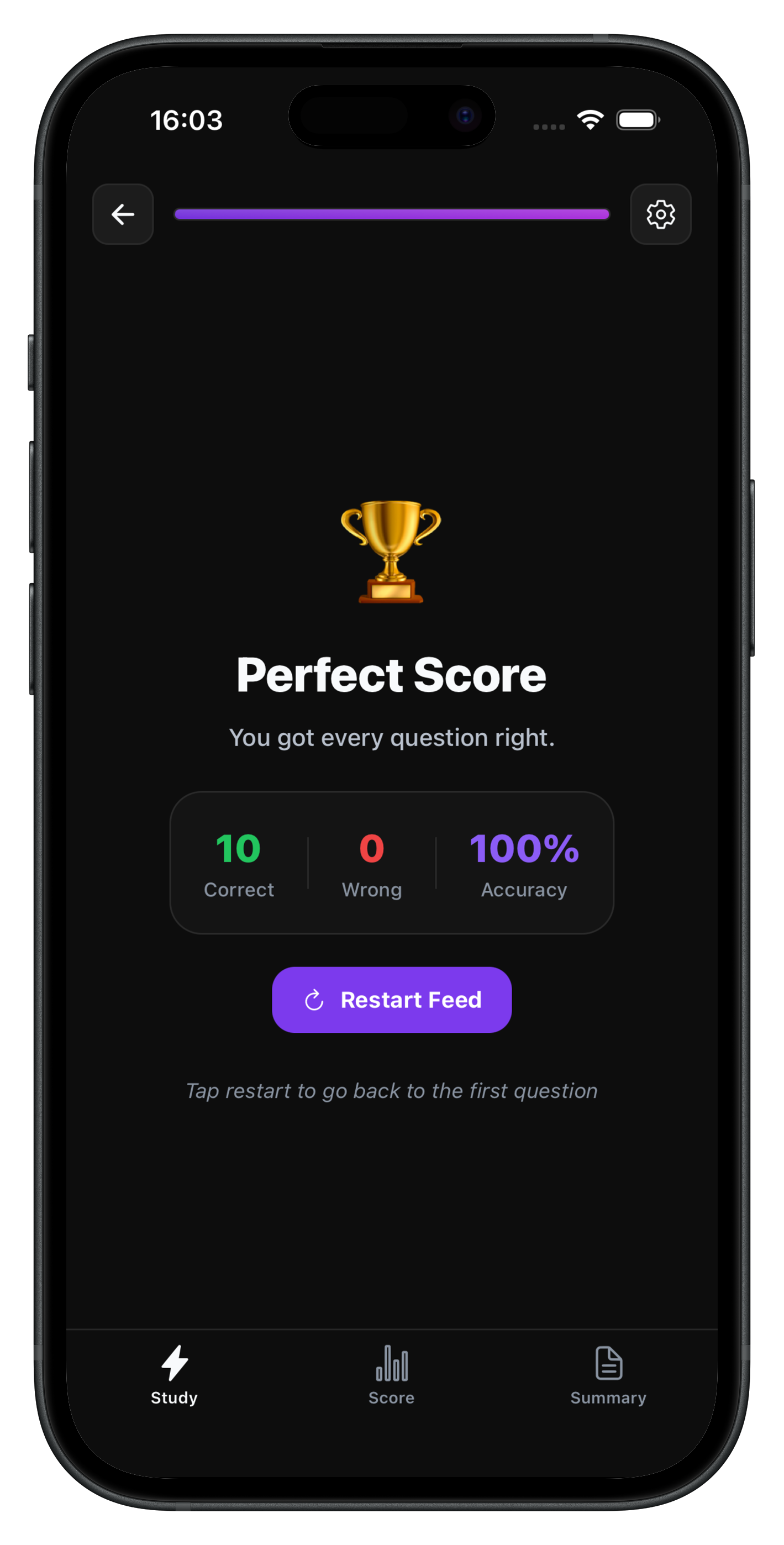
Daily streaks, session accuracy, and a mastery bar that actually moves. You'll know exactly where you stand — and want to keep going.
HOW IT WORKS
From upload to quiz in 30 seconds
Three steps, zero friction. SwipeAce does the heavy lifting so you can focus on actually learning.
Upload Your Content
Tap the upload button and add a PDF, photo of your notes, a webpage URL, or just paste your text. Any format works.
AI Builds Your Deck
SwipeAce reads your content and automatically generates flashcards, multiple-choice questions, and fill-in-blank exercises in under 30 seconds.
Swipe to Study
Flip cards, answer questions, and swipe through your deck. Hard cards get re-queued automatically so you always master the tough stuff.
Early Feedback
Students are already loving it
“Finally an app that actually reads my slides and makes the flashcards for me. I saved 3 hours on my last exam prep.”
Alex K.
Pre-Med Student
“I went from cramming the night before to studying 15 minutes a day. The AI questions are surprisingly good.”
Priya S.
University of Toronto
“The swipe mechanic makes it feel like a game. I actually look forward to studying now. That's never happened before.”
Adam T.
High School Senior
FAQ
Frequently asked questions
Everything you need to know before launch.
What is SwipeAce?
SwipeAce is an AI-powered study app that automatically converts your notes, PDFs, images, and web links into flashcards and practice questions. It uses AI to extract key concepts and builds a personalized study deck you swipe through — like Tinder, but for learning.
How does SwipeAce work?
You upload any content — a lecture slide PDF, a photo of handwritten notes, a textbook chapter URL, or plain pasted text. SwipeAce's AI identifies key terms, concepts, and relationships, then automatically generates flashcard and quizzes in under 30 seconds.
Is SwipeAce free to use?
Yes — SwipeAce has a generous free tier. Subscribe to our newsletter to stay updated on new features and promotions.
What types of content can I upload?
SwipeAce supports PDF files, images (photos of notes, whiteboard shots, scanned pages), web page URLs, and directly pasted text. If it contains readable text, SwipeAce can turn it into a study deck.
Is SwipeAce available on iOS?
SwipeAce is currently available on Android. An iOS version is in the works — subscribe to our newsletter to be notified the moment it launches on the App Store.